Primavera p6 WBS grouping bands in excel
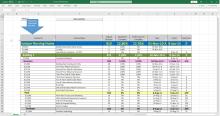
PLeae find the below Youtube link for the video how to prepare color bands of WBS in excel with one click
PLeae find the below Youtube link for the video how to prepare color bands of WBS in excel with one click
If you have ever used Primavera P6, you would be surprised that exporting from Microsoft Project to Microsoft Excel does not provide you with a ready to be used data considering that both products are from the Royal House of Microsoft.

After export activity table from Primavera P6 to Excel, it’s very hard to distinguish WBS level.
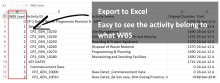
After export activity table from Primavera P6 to Excel, it's very hard to tell this activity belong to what WBS.
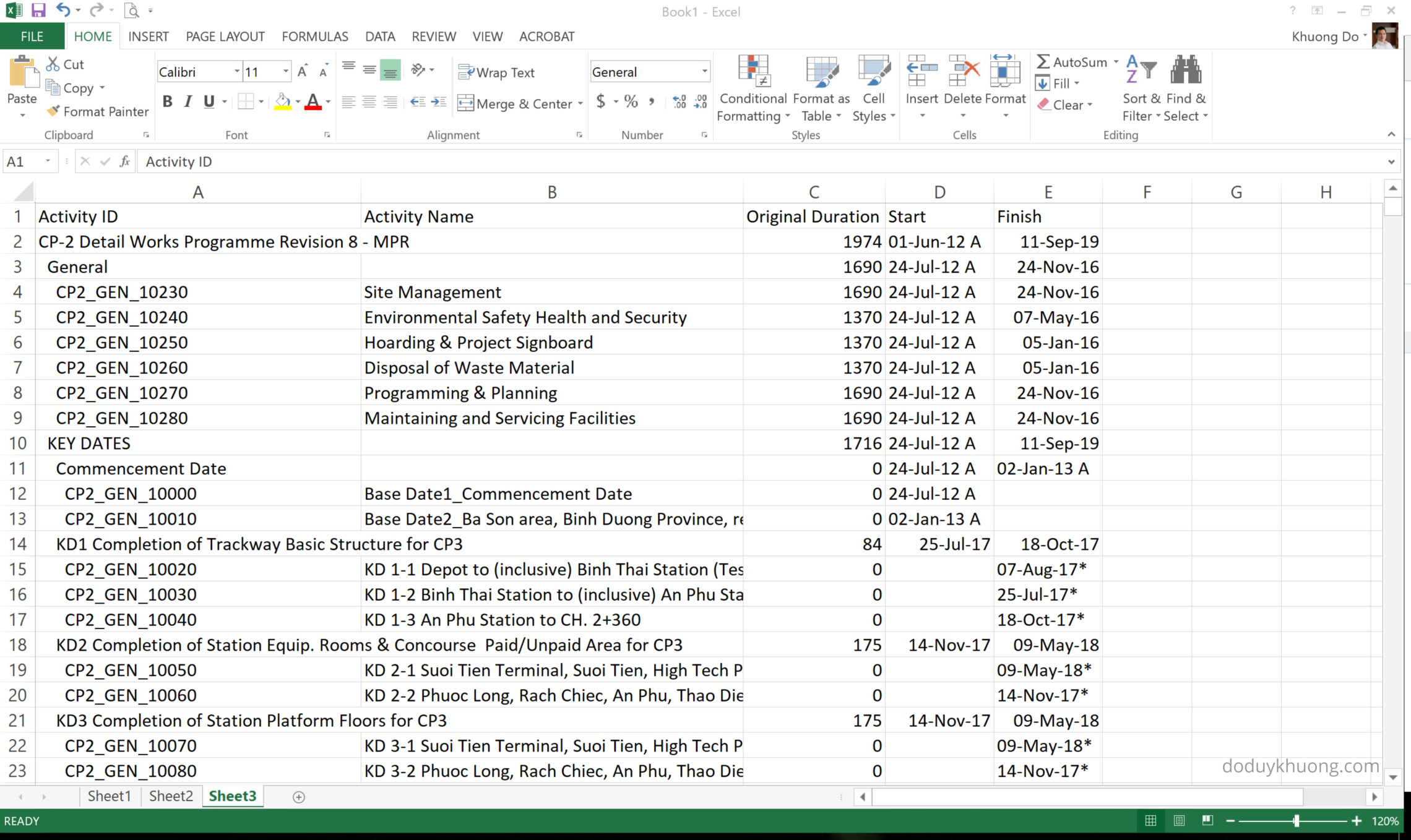
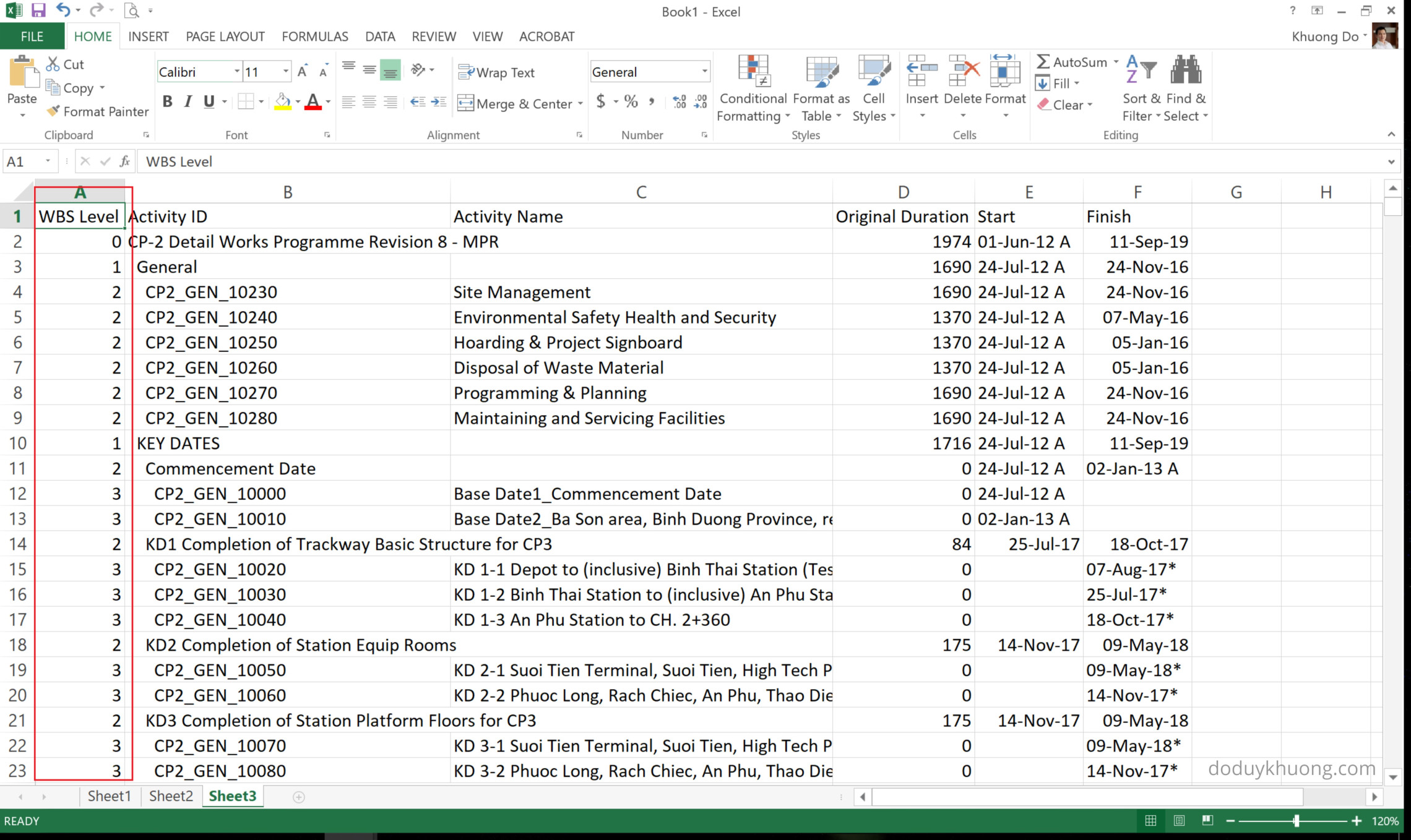
We can add 1 column to show the WBS level for each activity.
The formula for the column is : =((FIND(TRIM(B2),B2))-1)/2

Apply to the rest so we can see WBS level for each activity:
Title: "How to achieve rapid feedback progress through integrated EXCEL?"
Author: "Deyi.zhang/张德义"
A step-by-step procedure for extracting data out of Primavera to enable the generation of S-curves within Excel. Covers generating curves for planned value, earned value and actual expenditure, both in terms of manpower and cost.