I am trying to install p6 with an SQL Database. I am following a Ten Six tutorial wich I have attached link here.
https://tensix.com/2015/01/setting-up-a-p6-professional-standalone-client-using-sql-server/
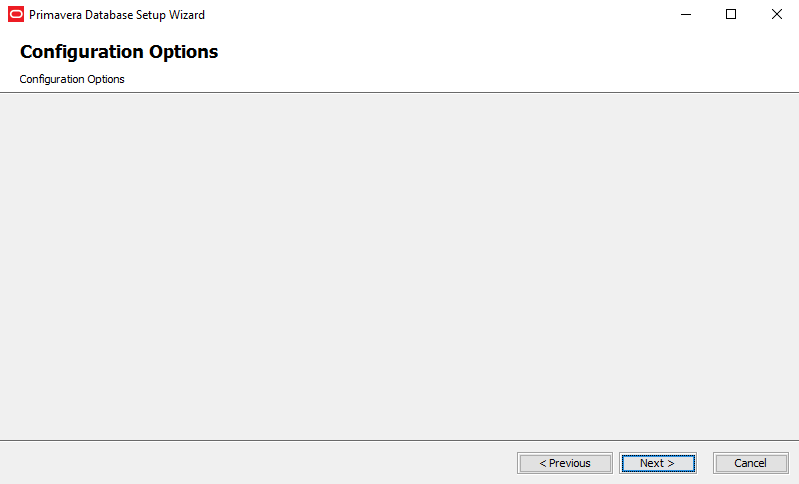
All goes well until I reach the configuration settings where you input admin andd password. This page is completely blank. I have seen articles elsewhere where it states that you have to be running a particular version of java. Installed that and pointed windows to it and then i get a Java SSL error.
I have attached a screenshot of the configuration window.
Just can't see why it does this.
Anyone else experienced this and have a workaround please?















can not see screen shot