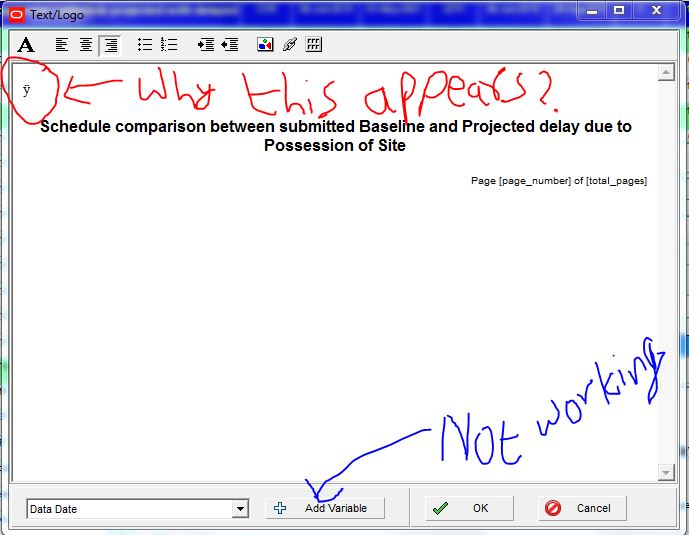
Screenshot below. The "Add Variable" button does not work. What could be the problem ? Any settings to be changed ?
Also there is this character "ÿ" that appears on its own at the top of the Text/Logo block. What could be the reason ?
Has anybody experienced this ? Any feedback or suggestions is welcome. Thanks in advance.
BTW, the Page number fields were there as default, had not added them myself.
I use P6 Professional version 15.2.0 Build 15383.














I know this post is 3 years old but this may be useful for people experiencing the same problem
There is a work-around, you can type in the code for the variable you need, such as DD [data_date] for the data date. This will pull the data date and auto-populate for you. Same with ]project_id], [cd], [project_name], [layout_name], [filter_list], [page_number[, & [[total_pages].
Does anyone know where to get a list of all the variables' code entries?
I have the same issue. Has anyone figured out how to get the "Add Variable" button to work? Is it an admin preference setting? I can type in the header space, but cannot add the variable. I use P6 Professional version 15.1.