Hello,
I'm looking for some help on the Resource Usage Profile,
When I look at the Resource Usage Profile in P6, it looks like this...as it should

However when I print the profile the figures are mixed up, and looks like this:
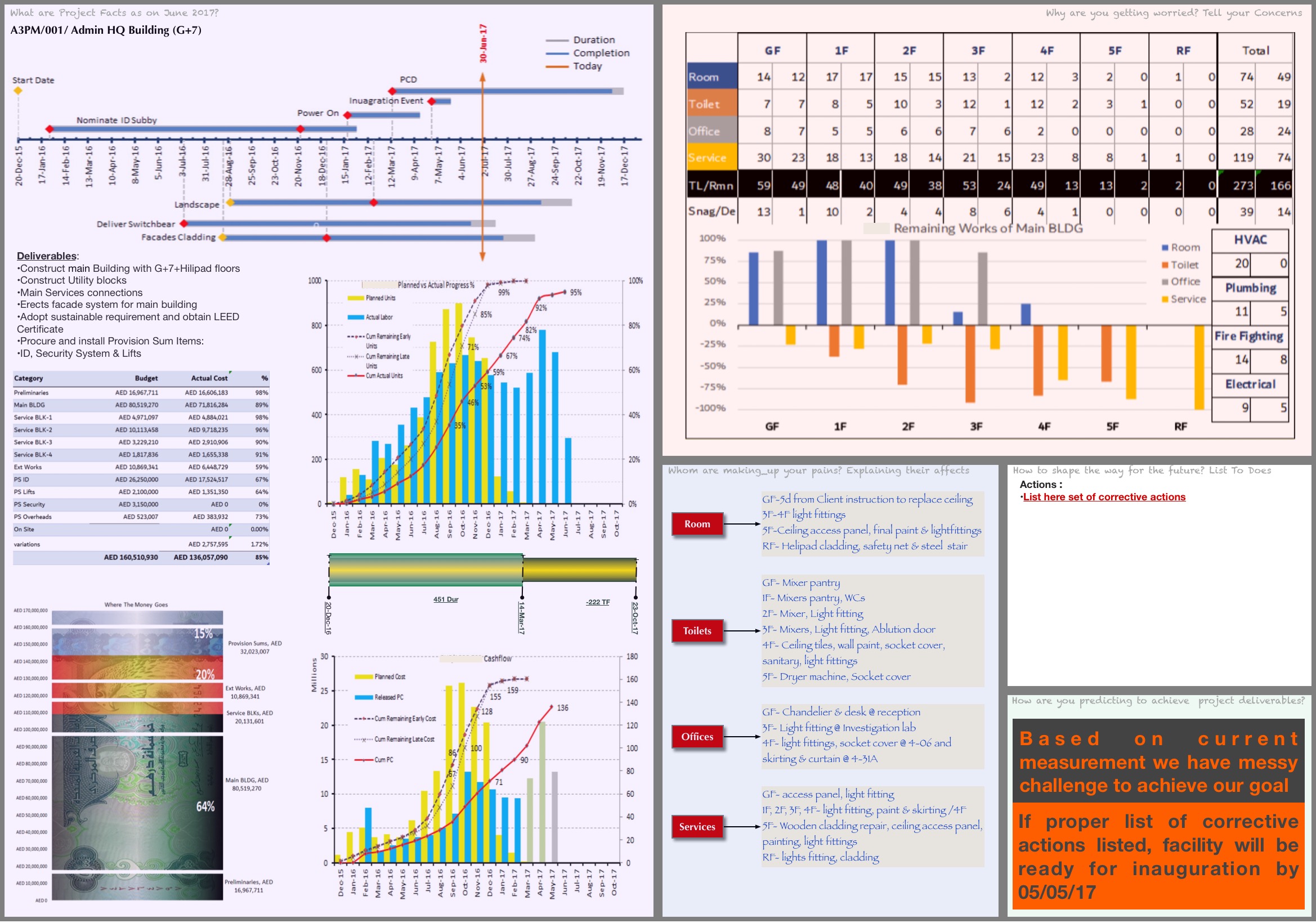
I understand what the problem is, it is printing all of the figures but not enough lines for the activities, I just don't know how to fix it, if anyone can help?
Also, what I really want to see on the resource usage profile is the current planned spread of hours. For example, I have an activity which I have suspended, due to resume on 17th July. The budgeted units seem to show the baseline hours, and the remaining early shows what I have left to earn. What I am looking for is the actual spread of the hours plus the forecast going forward.
See the example below:
Baseline shows the activity was due to be completed by 22nd June. It wasn't and the hours were then earned up until 30th June, which is when the activity was suspended for 2 weeks and will restart on the 17th July. Is there a way to see the current planned hours on one line, not the baseline and the remaining separately?
[[wysiwyg_imageupload:4884:]]
[[wysiwyg_imageupload:4885:]]
Apologies for all the pictures, any help would be appreciated, however from previous experience P6 rarely does what I would like it to do.
Thanks



sure it does up top go to resource assignments then roll it up then up top on the time scale hold shift and teh control key at the same time an select the first month and value under that (still holding the 2 keys) up top on the timescale select the last month with the data and the value below it.
It should now be highlighted
now select edit then copy
go to excel and select paste
done
Tried copy and pasting to excel, doesn't allow me to do that.
work around copy and paste to excel