hello friends,
i am working in a big project, so i have a big schedule.
the problem now is, i need to take print of selected areas alone hiding other WBS levels.
in filter i cannot extract my specific categories.
is there option to hide unwanted WBS levels and select few and take print that alone.
please guide me. Thanks
- Siva
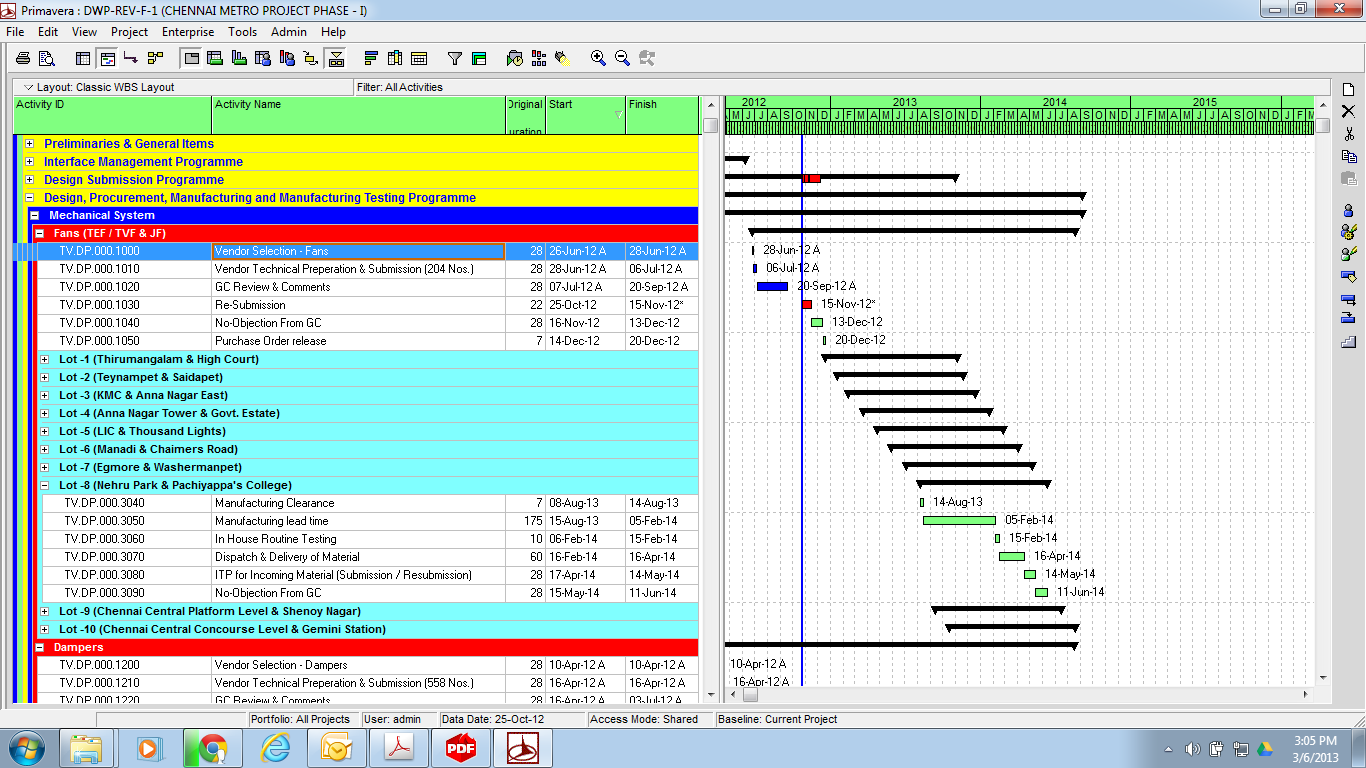



Siva,
Please let us know the categories you wish to apply.
Siva,
2 options:
1) Set up one or more filters "any of the following" type, and using WBS equals as the criteria, select all the wbs you want to show.
Apply the filter, and ensure "hide when empty" is selected from View > Group & sort menu
2) Create a new activity code "Include in printout?". Show the code in your spreadsheet, close all wbs elements other than those you want to print out (as in your picture), and use "fill down" to assign them a "Y" in the activity code column.
Then just filter on that activity code, again ensuring "hide when empty" is selected
Either option should not take you more than 10-20 mins, dependant on how many wbs elements there are to include
Cheers,
G
Raymund
do u mean, to filter with Activity Codes??
but the picture includes only one page as sample.
the project goes big. i have nearly 150 pages.
filtering with activity codes is impossible, cos more than 1000 activities i need to extract.
thanks for your effort but please can you give some ideas?
Siva,
Use Activity Coding.