Guys, can anyone help me solve my problem in importing relationships in P6...this error always come out whenever I import excel spreadsheet relationships to P6, thus importing is not made.
Thanks,
Ariel
[[wysiwyg_imageupload:518:]]
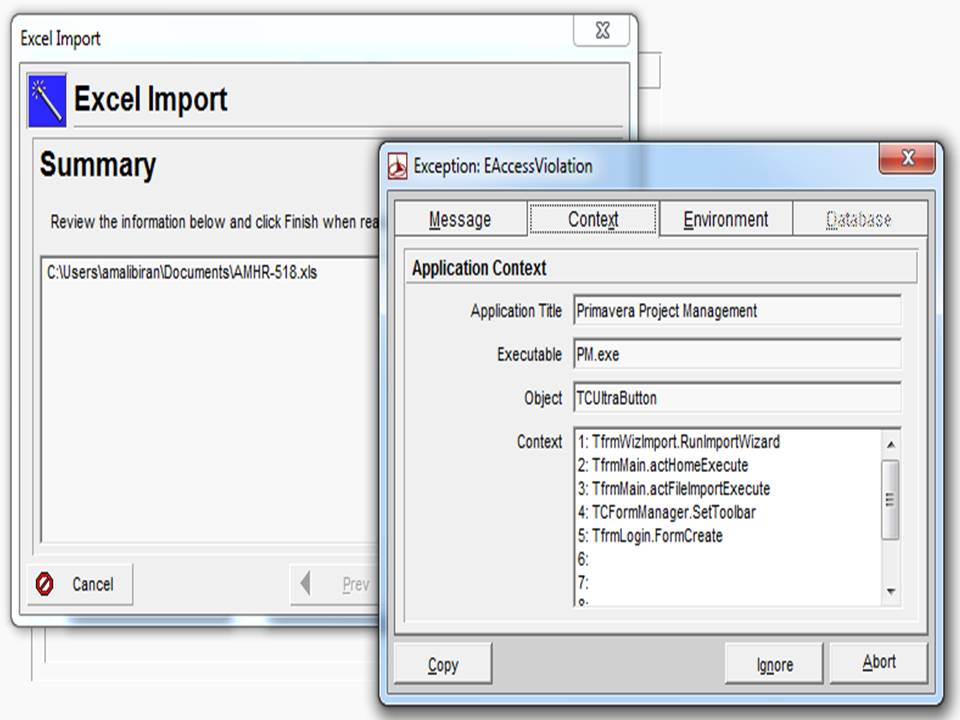
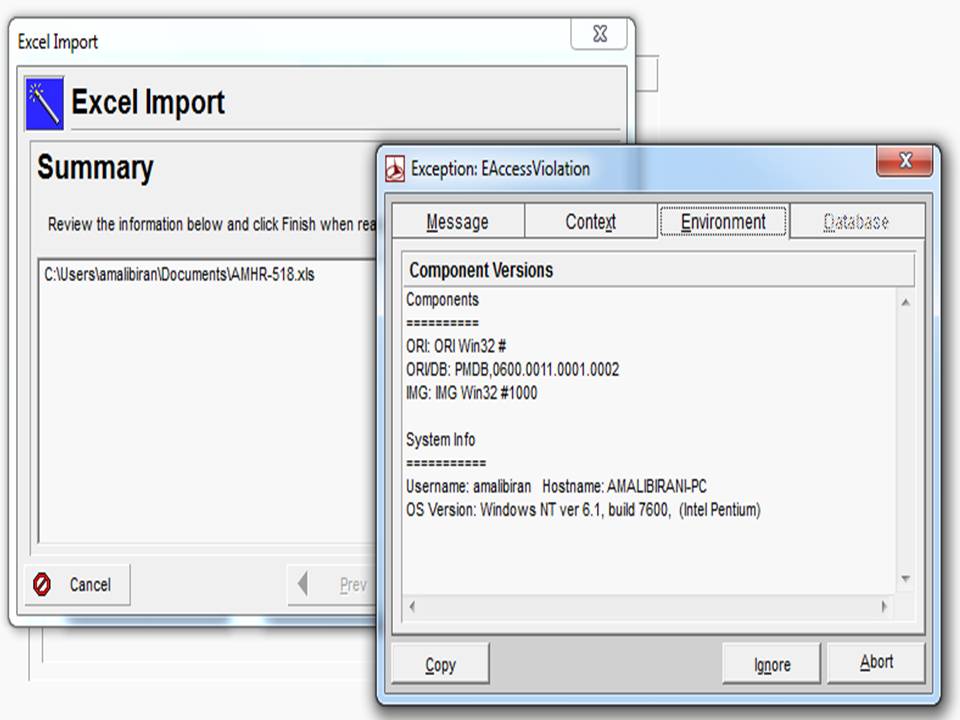
Guys, can anyone help me solve my problem in importing relationships in P6...this error always come out whenever I import excel spreadsheet relationships to P6, thus importing is not made.
Thanks,
Ariel
[[wysiwyg_imageupload:518:]]



Hi Pieter
MSP Resource names and IDs can be duplicate, the ID in P6 not.
Two items went wrong:
1st: In your template for importing you chose MSP_Res_name as reference for P6_Res_ID. --> Select MSP_Resource_ID as reference for P6_Res_ID
2nd: Check in MSP for duplicate Resource_IDs and correct.
Then the import should work.
Good luck!
Dieter
I keep getting the following error trying to import.
INFORMATION: Process Started: 08-02-2011 12:54:21
INFORMATION: Importing from: C:\Users\User\Desktop\scmeip rev 5-2 - B1 -.mpp - scmeip rev 5-2 - B1 -
INFORMATION: Template:
INFORMATION: Microsoft Project version: 11.0
INFORMATION: Creating temporary working file...
INFORMATION: Temporary working file C:\Users\User\AppData\Local\Temp\prmTemp40757-5377636806.mdb created successfully.
INFORMATION: Microsoft.Jet.OLEDB.4.0 (C:\windows\system32\MSJET40.DLL): 4.0.9756.0
INFORMATION: Validating Resource IDs...
INFORMATION: SQL: select * from MSP_RESOURCES where (RES_UID > 0) and ( (RES_INITIALS IS NOT NULL) or (RES_NAME IS NOT NULL) ) and (RESERVED_DATA IS NULL) order by RES_ID
INFORMATION: (Record Count: 4)
*** ERROR ***: The following resources have duplicate ID's. Update the resource name in Microsoft Project.
*** ERROR ***: Resource Name=Resource ID
*** ERROR ***: Construction Time=Construction Time
*** ERROR ***: Construction Time=Construction Time
INFORMATION: Deleting temporary working files...
WARNING: Unable to delete temporary working file C:\Users\User\AppData\Local\Temp\prmTemp40757-5377636806.mdb
INFORMATION: Process Ended: 08-02-2011 12:54:44
Hi Marcus!
1. Excel file is close.
2. I'm using a desktop computer. Dont know how to run integrity check;
3. 141kb only...around 1173 rows and 8 columns in use..
I tried to import it by parts but still doesnt work. by chance it works sometimes when i import few. this problem occurs only in that particular schedule. others are okey.
cheers!
ariel
Unfortunently the data was provided is not sufficent to determine what the problem is. Primavera's errors codes are an endless maze of possibilities. Couple of things to check. This is a memory issues so it is telling you that during the import your memoery or the servers memory is working really hard.
1.)Is the excel file closed while you are trying to import the file?
2.)Is your database structuraly sound? Try running database integrity checker to see if you have any issues.
3.) How big is your import file. Primavera has a hard time handling files over 25k+ rows and as file get wide with columns.