Error in Uploading Activity Excel to P6
- Read more about Error in Uploading Activity Excel to P6
- 2 comments
- Log in or register to post comments
Questions & answers for Primavera software












Hi
In the schedule options dialog box of P6 there is a section about the calculation of start to start lag.
I know how these options work but what I don't know is that why among all types of relations, these options are only made available for the start to strat relation.
is there anything special about the start to start relation?
bests
omid
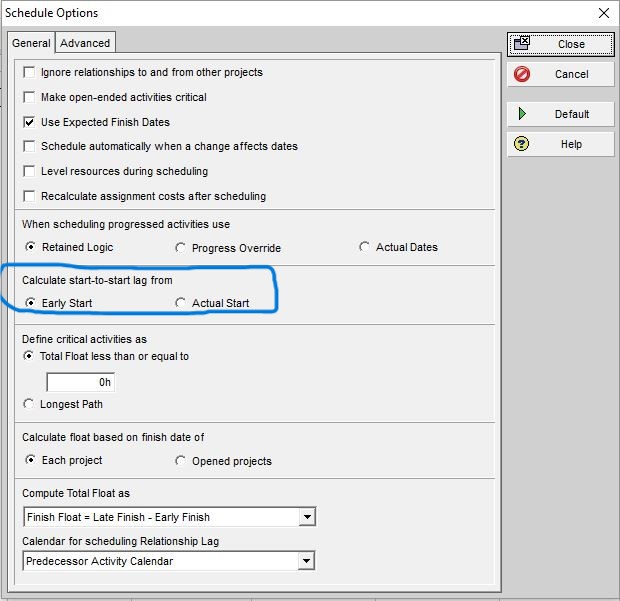
that requires these options
Normaĺly in P6 resource levelling you specify a limit for the critical resource and then P6 adjusts the schedule to avvomodate this limit (never understood on what criteria it moved activities). I was looking to do the opposite - level up. E.g. for instance we have an overall budget spread on our accepted schedule but the client has a greater budget limit in certain periods and wants to spend it as he may lose it. How can I get P6 to adjust the schedule automatically to reach these budget limits?
After all these years, I am delighted to announce that PlanLab.AI has launched the Critical Path Drag calculator for P6 files. It will be free to use for a brief period.
You can try it here: https://lnkd.in/eW_22ExK
In P6 Professional, you can import the schedule’s actual start and Finish dates from Excel. But why must I import the Excel spreadsheet's actual start and finish dates twice before the actual start dates are read in correctly?
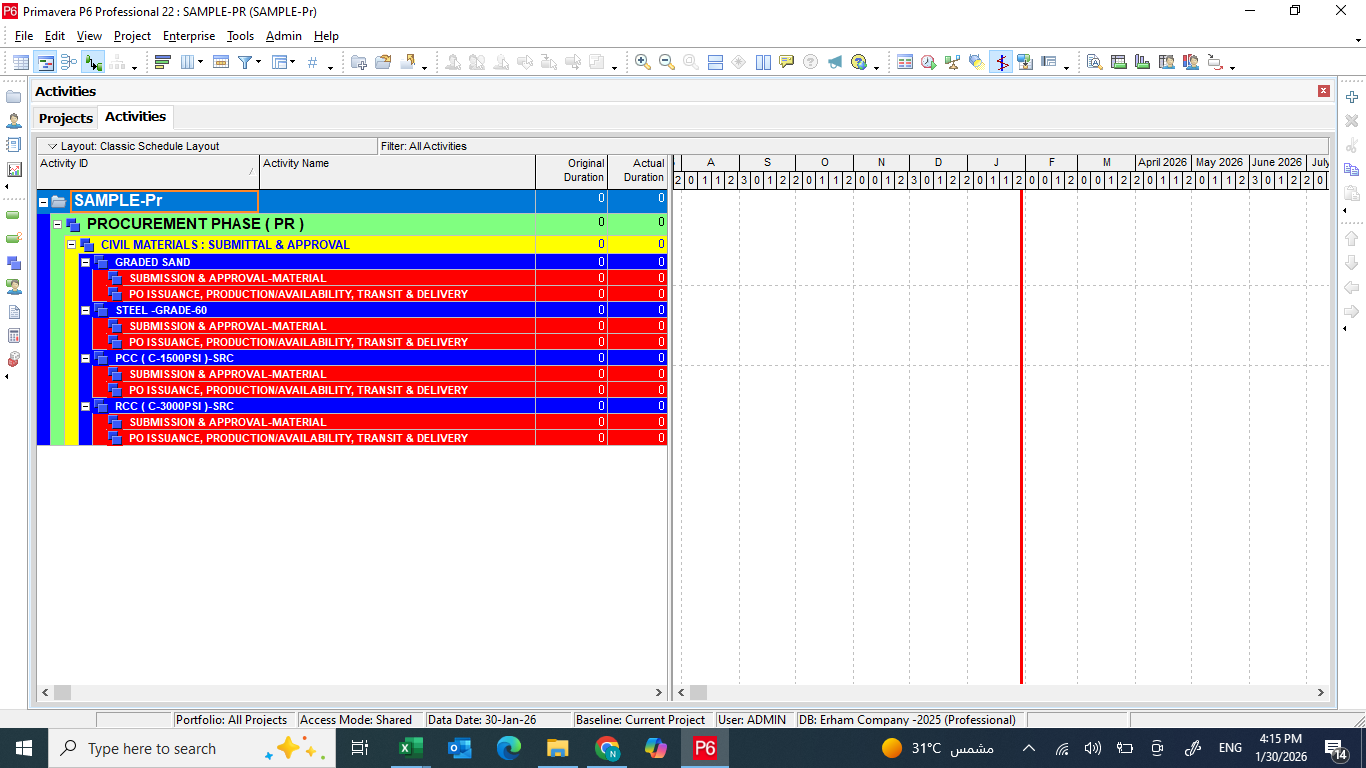
Let me demonstrate. The P6 Professional schedule I want to update is the below Figure 1.
Hello,
I have a major scheduling project with a client, and I need an efficient way to input Resource data into P6 Professional. I would like to have the client provide a Microsoft Excel Spreadsheet of resource data and then import this into P6 Professional.
Unfortunately, P6 Professional does not read data in the spreadsheet that has a column heading including a (*). This means it will only import the below variables.
Resource ID
Resource Name
Unit of Measure
Default Units/Time
Budgeted Units
Hi,
I am trying to work out how to shorten my timescale from the months being Jan/Feb/Mar etc to J, F, M so that we only see the first initial of the month?
I have been googling for ages but can't seem to find a solution anyway so hoping somebody here can help!
Many Thanks in advance.
Rowena
How do I copy activities from P6 project plan to another P6 project plan, how do I copy and paste
Morning all,
If I add the column Physical % complete, is there a reason it won't show me that percentage on the top line as it does with schedule % complete etc? Is there a way to make it do so or is it a calculation problem that causes it?
Thanks,
Thom
Hi all,
I Have problem after importing project to primavera p6 17.7 , everything is ok except the resources names become and appear in a starnge symbols, tried to change fonts from table font and row option , but no changes, Also changed the windows 10 language and region to match the resource name language but still fixing.
Note; The resources name are in Arabic and working fine in in the previous primavera ( another PC ) , this problem start once importing to the new PC.
Attached Photo.
[[wysiwyg_imageupload:6214:]]
Thanks In Advance ..


