hello everyone my design engineer gave me his planned hours.But his hours are not following any fixed pattern.Can someone help me how do i add his hoours.I have add this picture to give you an idea of what I have to do These hours are planned hours for Resource MrX working on 3 projects Thanks in Advanced 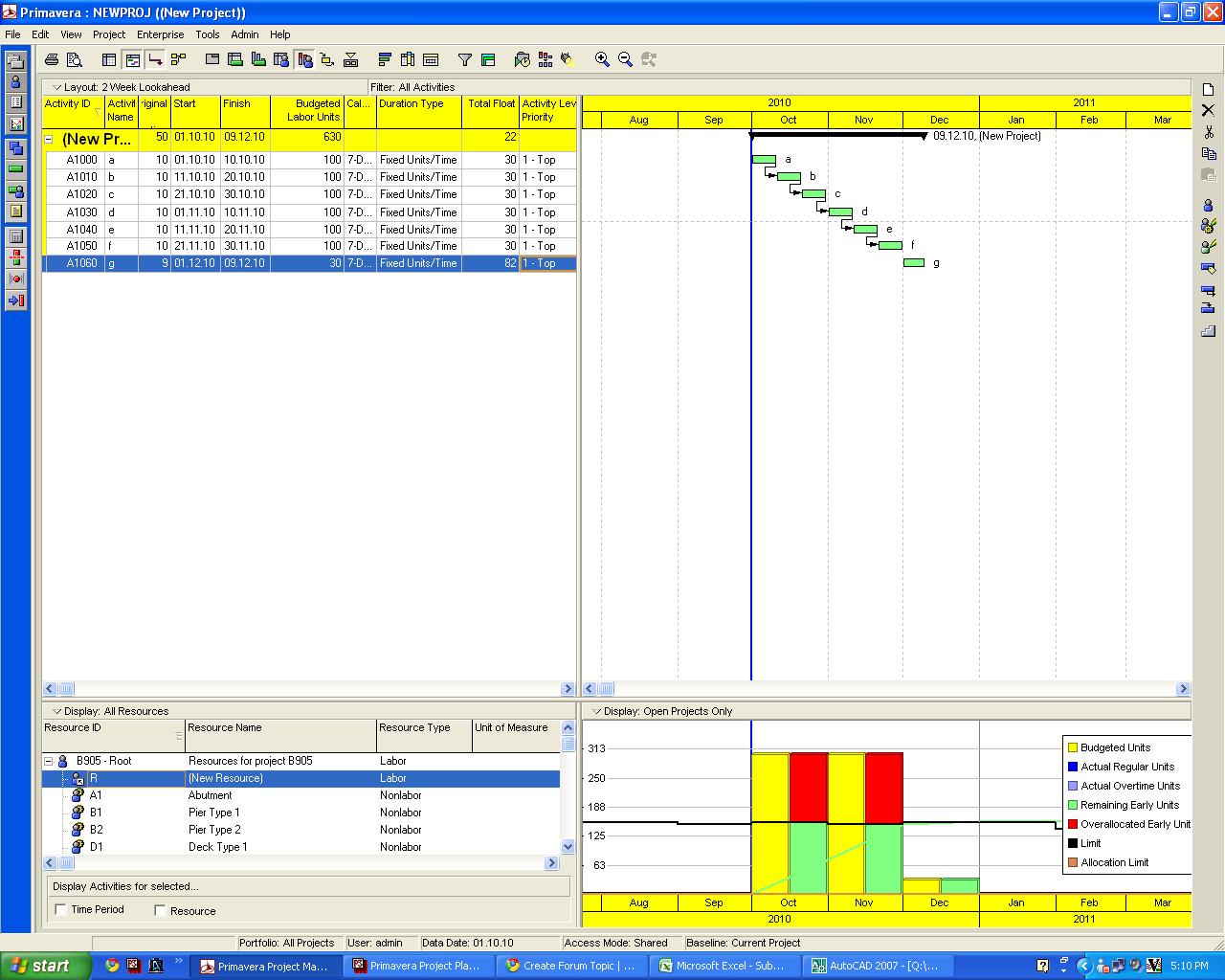



thanks guys for your response
John,
The above to me only represents assignment hours, it says nothing about the specific design activities and how they impact your schedules, meaningless for responsible scheduling and progress tracking. The assignment spans 14 weeks, it is difficult for me to believe the schedule will be summarized on a single activity for each job.
I do not know if he is testing you, but seems not cooperative, or perhaps he wants you not to be able to track his performance. I would avoid direct confrontation [might be an old grumpy engineer like me] and ask him to be more specific, tell him it is considered good practice to limit the span of CPM schedule activities to a scale it makes sense with relation to the project(s) at hand. A short meeting shall do it.
The following figure display a simplified way to schedule some design jobs. There is resource overload on purpose, there is progress for activities, resource hours and costs, very simple. Bucket planning as implemented in most software breaks the rules of good CPM practice, be very careful with it.
The design engineers are set to be non-leveling resources, needless to say with the use of date constraints the over-allocations can be resolved but keeping some logic and some functionality lost under bucket planning.
Bucket planning is working on a fixed bar chart, it is not true CPM, if you mix both you are calling for trouble.
You can check it by simply creating a five days duration activity occurring on week one and then assigning resources to the same activity on week two using the resource usage table. You will get two weeks resource assignment on a one week activity, this does not makes any sense. Then apply a constraint to move the activity to start on week five and go back to the assignments table. Did the resource assignment moved with the activity? If not then this also does not makes any sense, but some software allows nonsense
Best regards,
Rafael
John
You can use the Future period Bucket planning function in P6.
Go to resource Assignments and edit as required.
Regards
Shareef