Hi! I am having a problem with Visualizer Layout.
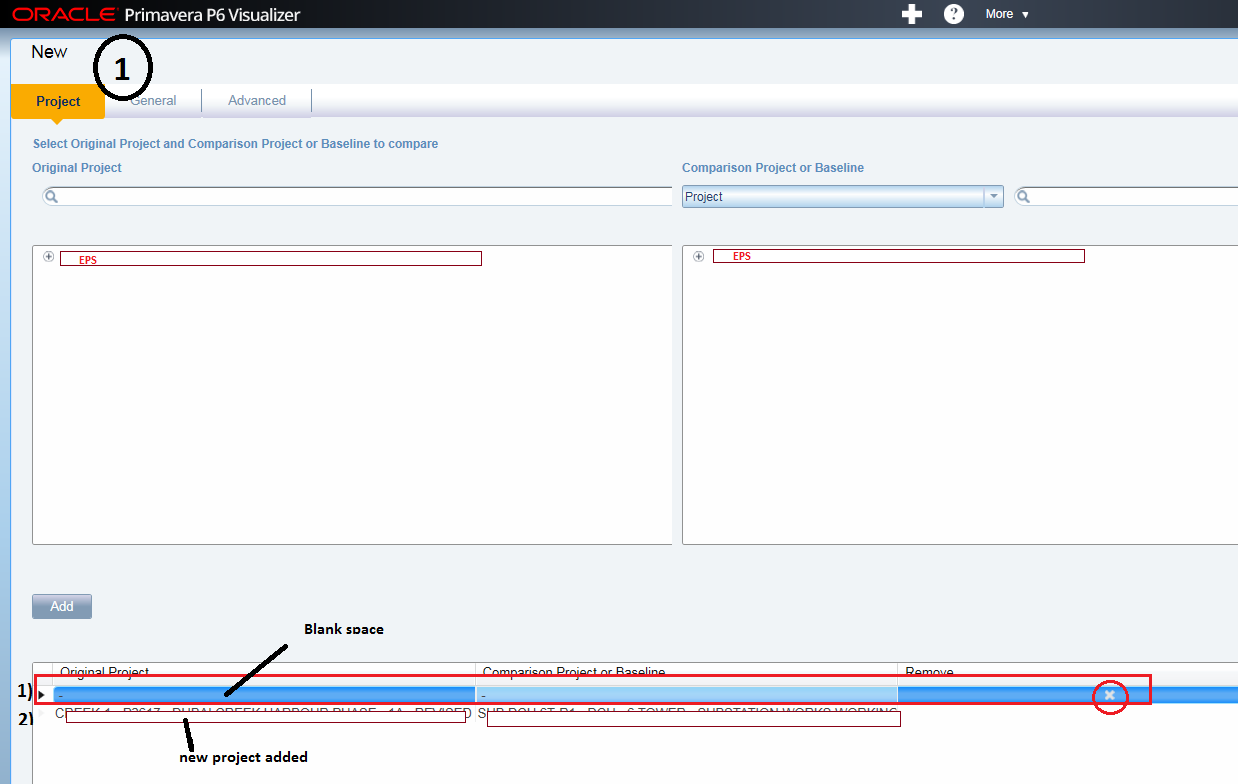
Pic 1) In schedule Comparison, I was comparing two projects, but those projects were no longer needed so I deleted it. After that, I wanted to compare other projects in the same layout(point-2 in pic), but since old projects are deleted, it is showing as blank (point-1 in pic) which is creating problem and Primavera is giving an error and not doing the schedule comparison. I tried deleting the blank area but it is not working it's not deleting using the "X" button.
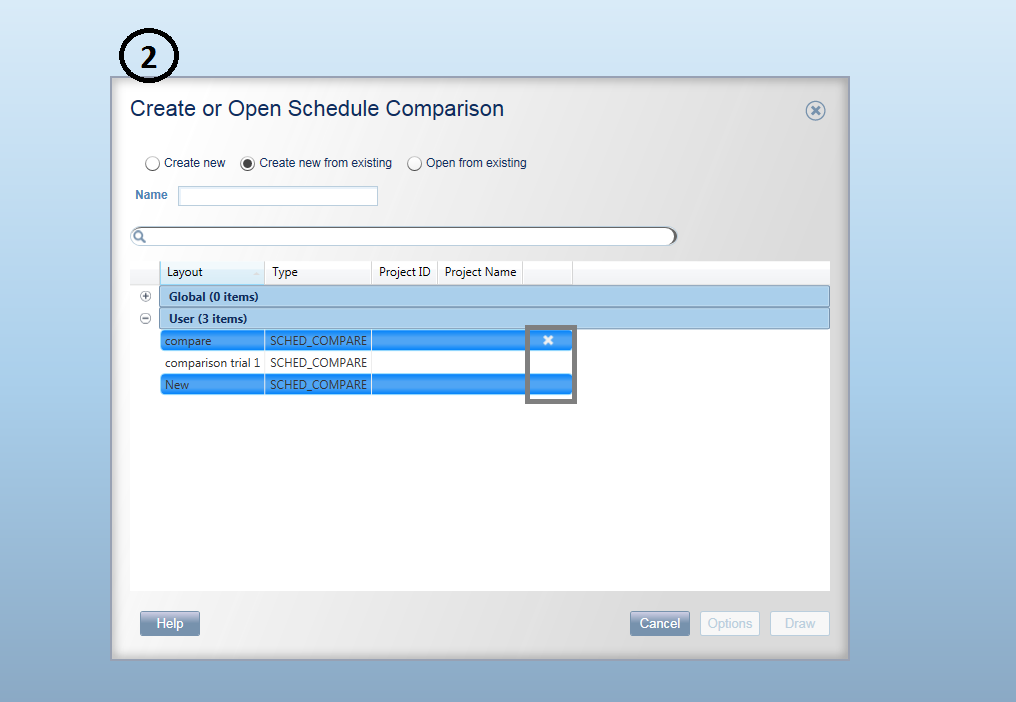
For the same problem, Pic 2) I tried deleting the layout but that is not working it's not deleting the layout using the "X" button.
I don't want to keep creating new layouts, I know that is one of the solutions.
Is there a correct way to do it?
Thanks in advance.
[[wysiwyg_imageupload::]][[wysiwyg_imageupload::]]