Is it possible to proclude the progress line from including summary lines? i.e showing an average of the progress of activities within this as this information isn't as important.
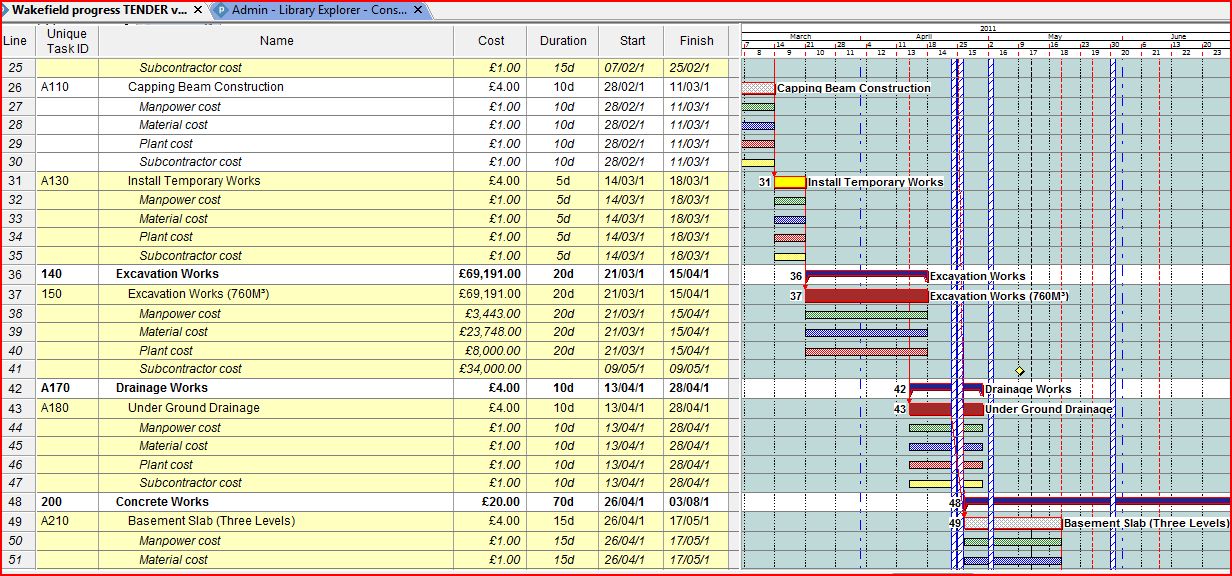
I am more experienced in using Asta Powerproject, is it normal for the progress lines to look 'drawn' as opposed to angled lines rather than straight lines. Example shown below. This includes the summary progress that I want to exclude.
Thank you in advance














Yes. There is no built-in filter for non-summary tasks, so you will need to make a new one, e.g.
Name: Non-Summary
First line: Summary - equals - No
Unchecked: Show related summary rows.
Save
Apply
Tom, on the subject of filtering, is the quickest filter under the view tab?
Tom, many thanks for your response. I was aware of the four line types but wasn't sure if there was a custom line option somehere. I will filter out the summary lines because I know the arithmetics behind it isnt accurate.
Thank you
Dominic,
Summary tasks can be excluded from the entire view using a filter. As long as they are visible, then the Progress Line will include points for them. You can alter the appearance of the Progress Line using the "Line Styles" tab of the Progress Lines dialog. Four different styles are available; all four include angled connectors, giving the sawtooth appearance common to the original string-and-pushpin techniques.
Copied from my response to Alan a minute ago.... on a closely-related subject.
By the way: IMO, progress lines have no place in a computer-based process for schedule progress updating. (An effective update process would make them redundant with the Status Date line anyway.) Their math has never been quite right, especially for summary tasks, and I believe their flakiness results from Microsoft's attempts to resolve multiple, conflicting user demands for their final appearance. (I've never used them since the old string-and-pushpin days.)
Good luck, tom
(Note: You posted an image on PP that will be visible for only a few hours - I saw it before replying.)